

Why you need an encrypted USB drive in 2025
An encrypted, password-protected USB drive is not just storage but a full security device designed to protect data from theft, leakage or compromise. Unlike ordinary USB drives that are open to any computer and can be copied easily, such drives use hardware encryption and physical authentication for access.
How hardware encryption and password protection work
A secure USB drive uses a built-in crypto processor. All files written to the drive are encrypted in real time with AES-256. So even if the device falls into the wrong hands, data cannot be decrypted without the correct password. Encryption happens inside the device, not in external software — that is hardware encryption, and it is the most reliable.
What AES-256 is and why it matters
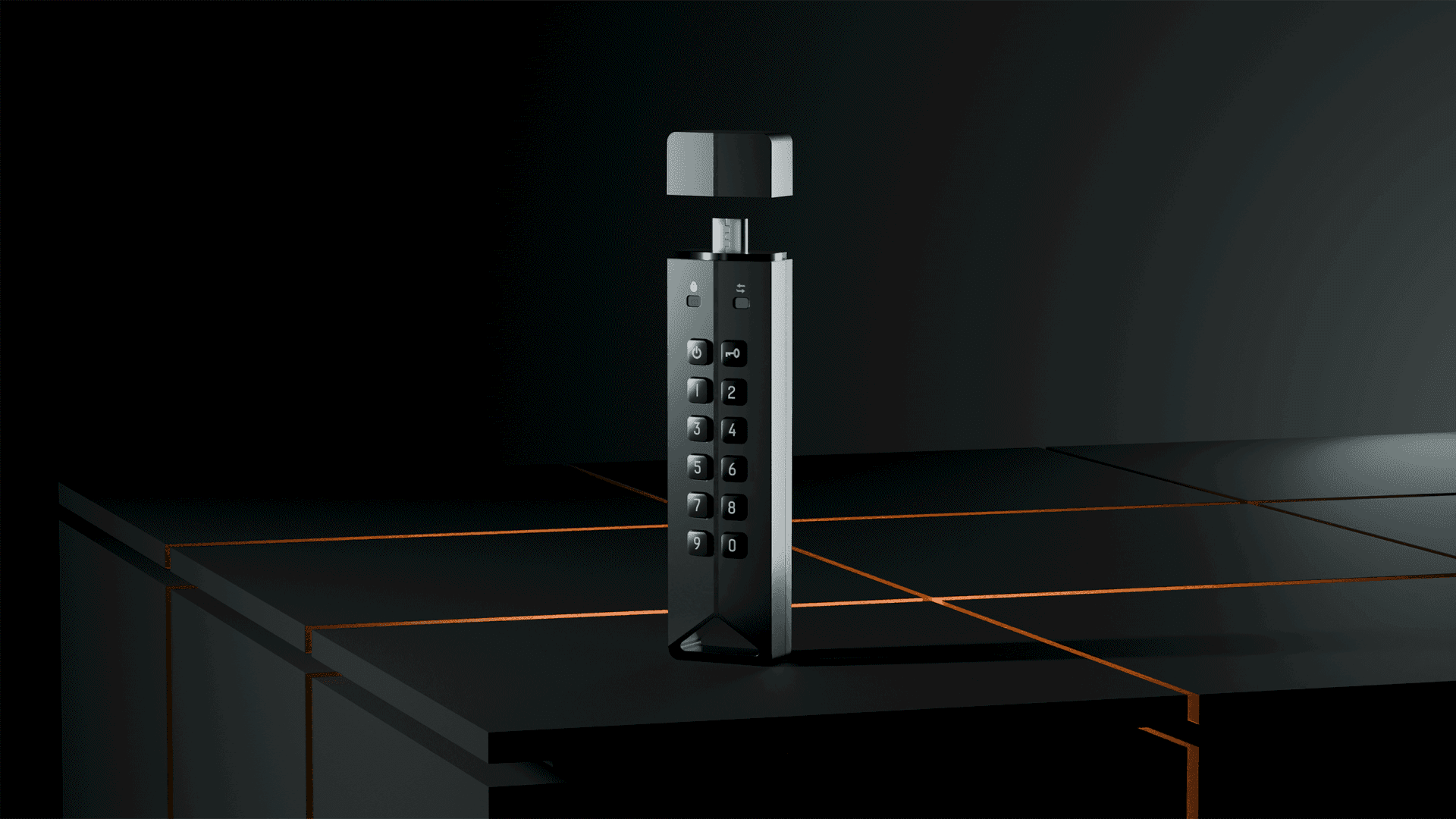
GuardDo drives also have a physical keypad for entering the password. That prevents malware on the computer from capturing the password. After wrong entries the drive can lock, and after multiple attempts it can be set to wipe all data.
Built-in keypad vs software-only protection
That is critical when losing the drive could lead to a confidentiality breach. Many cheap drives are marketed as “encrypted” or “password protected” — often that is marketing, not real security.
Data wipe on breach
Cheap “secure” drives are often made of flimsy plastic that is easy to open. The password may be stored in plain text or weakly encrypted — and with the right tools an attacker can extract it.
How cheap drives differ from GuardDo
Cheap devices usually rely on software encryption: a utility on the drive asks for a password before showing files. Bypassing that is straightforward — copy data directly, remove or bypass the software, or read the drive on another device.
Plastic vs aerospace aluminium
GuardDo uses a rugged aerospace aluminium body that resists tampering and physical attack. Inside, the encryption chip works independently and blocks access to the memory chip without authentication.
What threats a secure USB drive addresses
Such devices meet corporate and government security requirements and are used where personal or commercially sensitive data must be protected.
Compatibility with systems and corporate IT
The main difference between cheap “encrypted” drives and professional devices like GuardDo is not only the level of protection but the approach: some are for compliance on paper, others are built to resist real threats.
How to choose a secure USB drive for business and personal data
If you handle important information or want to be sure that losing the drive will not expose your data, the choice is clear. GuardDo devices provide real protection through hardware encryption, a protected enclosure and strong authentication.